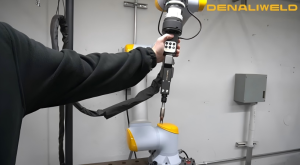


Learn which laser welders make starting out safe, affordable, and easy. Most people shopping for their first one fixate on wattage, and that is usually the wrong place to start. What decides whether your first month goes well is plainer stuff. Can you move the machine? Do the controls make sense? What does it cost to run, and is your shop ready for a Class 4 laser? The metal you weld and how thick it runs will steer the decision more than peak output.
Laser welding is fast and clean once it is set up well, but it is not the no-risk tool some sellers make it sound like. What follows answers the three questions first-time buyers ask, with a checklist to run before you spend anything. The full laser welding range sits alongside it.
Which Laser Welding Machines Are Best for Beginners?
For a beginner, the best laser welder is the one that is easiest to live with day to day. You want to be welding within an hour of unboxing, not buried in a manual.
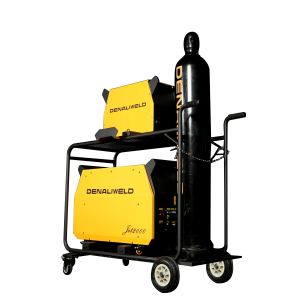
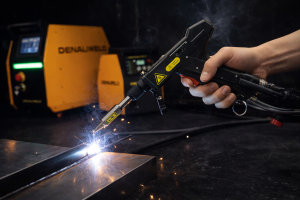
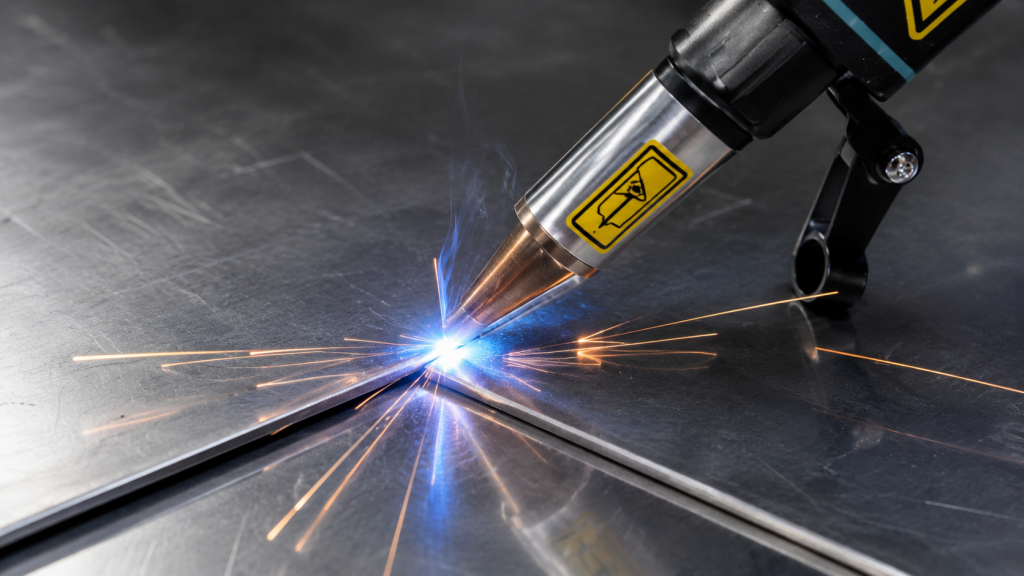
Stable presets and a single, obvious power control do most of the work here. The JET EZ Micro Laser Welding Machine is a fair example of the type. It weighs 48.5 pounds, light enough to carry up a flight of stairs, and it welds at roughly half an inch per second through a knob-based interface. One head covers welding and seam cleaning, so there is less to learn and less to keep clean.
Heavier industrial units can wait. They are awkward to reposition, and they carry features a beginner will not touch for months.
Buy the metal in front of you. Most early projects are thin sheet, light-gauge steel or aluminum, and a lower-power machine handles that cleanly while staying forgiving on the trigger.
Do the safety reading before the first weld. A handheld laser is a Class 4 instrument, and the American Welding Society is blunt about what that means: a direct or reflected beam can damage your eyes under any condition, on top of the usual arc-welding hazards. Denaliweld’s laser welding safety guidelines walk through what your space needs first.
Which Laser Welding Machines Are Best for DIY Projects?
DIY buyers do best with a portable machine sized to the projects they take on. The trick is being honest about what those projects are.
For a lot of home shops, it is mostly repair work. A cracked bracket one week, a gate hinge the next, with the odd build from scratch. A welder who handles thin to medium metal and rolls to wherever the job is will cover most of that ground. The blog on handheld laser welder applications lays out the wider range.
How often you weld points you to the right tier. If the machine sits idle most of the week, a compact unit like the JET EZ is plenty. Once you are fabricating regularly or taking on small runs, an air-cooled laser welding machine starts to earn its place. It welds up to a quarter inch of stainless or aluminum and holds 100% duty cycle through a long session. The cost shows up in footprint and price.
Working at home does not lower the safety bar. You still need a controlled area and laser-rated eyewear under a proper helmet. Keep an emergency stop in reach. Clamp the work so it cannot shift while the beam is on it.
What Should I Look for When Comparing Laser Welding Machines?
When you line up two laser welders, compare how they fit your work before you compare price tags or wattage. Start with the metal and thickness you weld most, then factor in how long a typical run lasts. The checklist below handles the rest.
Factor | What to check |
Power output | Enough for your thickness, not the biggest number |
Compatible materials | Stainless, aluminum, mild steel, plus any specialty metals |
Thickness range | Real welded range, not theoretical maximum |
Cooling method | Air-cooled for portability; water-cooled for heavy continuous runs |
Duty cycle | Percent of time it can run without stopping |
Portability and weight | Whether one person can move and set it up |
Controls and presets | Validated presets and simple power adjustment |
Safety features | Key switch, emergency stop, interlock support, back-reflection sensing |
Maintenance | Modular parts and access to consumables |
Training and support | Set up help, documentation, and local service |
Total cost | Machine plus fixturing, fume control, PPE, and shielding |
Here is the trap most first buyers fall into. Wattage looks like the easy way to rank machines, so people sort by it and grab the cheapest unit with a big number. Then the welder cannot hold that number. Its real duty cycle is low, and it eases off power halfway through the job. Sometimes it is cooling instead.
An air-cooled pick gets pushed into thick, continuous work that needs water cooling, and it overheats. Buying from an importer with no U.S. parts shelf and a small repair can turn into weeks of downtime. This is the gap Denaliweld builds against. Every machine runs a four-hour non-stop weld test before it ships, rated at 100% duty cycle, so the spec on paper is the spec you get on the floor.
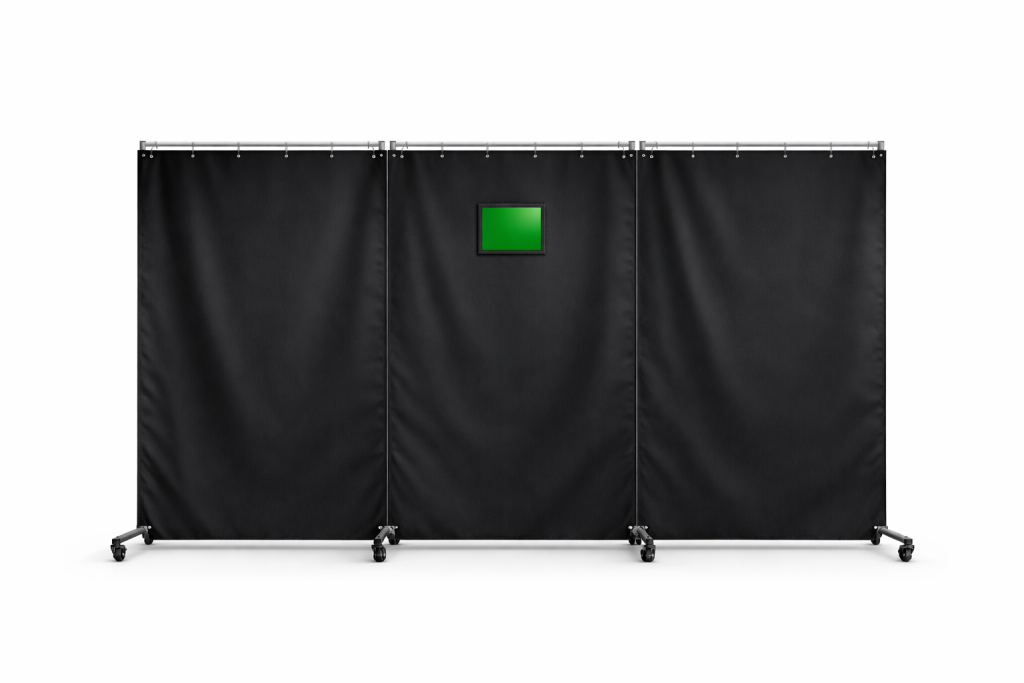
Safety has its own baseline, and none of it is optional. AWS spells out the gear for Class 4 work: laser eyewear and a laser welding helmet, with heat-resistant gloves and flame-resistant clothing over that. The machine itself should carry a built-in key switch and emergency stop. Round it out with real ventilation and a workpiece clamped down hard.
Shortlist by use and value first. Read the spec sheet last.
How Beginners and DIY Users Should Choose the Right Denaliweld Option
Picking the right Denaliweld machine comes down to a few plain questions about how you work. What do you weld, how often, and how much room do you want to grow into?
A true first-timer should lean all the way toward simplicity. The JET EZ rewards that. It is light and knob-driven, quick to pick up. The training and safety resources cover the rest.
A home-shop welder who fires up most weekends cares more about portability and fast turnaround between jobs. When the thickness creeps up or the volume grows, that is the signal to look at an air-cooled system.
Buy a little ahead of where you are now. Buying years ahead mostly ties up cash in capability that will sit unused for a long time.
Conclusion
Skill level, workspace, and how ready you are for laser safety should drive the pick far more than the power rating on the spec sheet. For DIY work in particular, a machine you can move and run with ease beats one that only wins on paper.
When you are ready, tell Denaliweld what you weld and how often, then ask which machine actually fits. Pull up the shop’s laser safety resources in the same conversation. Compare machines or request a quote to get matched to your parts.
FAQs
Which laser welding machines are best for beginners?
Look for a compact machine with stable presets and controls you can work out without a manual. On a first unit, ease counts for more than top-end wattage. Something like the JET EZ is light enough to set up almost anywhere, which lets you get real reps in on thin steel or aluminum while the safe habits set in.
Which laser welding machines are best for DIY projects?
Portability and a good match to your usual metal matter more than anything else. Weld a few times a month, and a compact, lower-power machine will do. Fabricate regularly and an air-cooled unit with a wider thickness range starts to pay off. Either way, get your safety setup sorted before the first project.
What should I look for when comparing laser welding machines?
Fit first, specs second. Pin down the metal and thickness you weld most and how long your runs go. Then read power against cooling and real duty cycle together, because a big wattage figure means nothing if the machine cannot sustain it. Whatever lands on your shortlist should earn the spot on the basis of use and value.